 Story Mode Guy
The RAW vs JPEG question comes up in almost every beginner conversation I have, and for good reason. Your camera can save the same moment in two very different ways, and the choice affects everything from storage space to how much you can fix later. I shoot RAW for nearly all of my work, but JPEG has a legitimate place. Here's how to decide.
What's Actually Inside Each File
A RAW file is the unprocessed data straight off your sensor. It's not really an image yet, more like a digital negative. It holds a wide range of brightness and color information, and you need software like Lightroom, Capture One or your camera maker's own program to turn it into something viewable.
A JPEG is a finished photo. Your camera takes the sensor data, applies white balance, contrast, saturation and sharpening, then compresses it and throws away the rest. It's small, universal and ready to share the moment you copy it off the card.
That's the core tradeoff: RAW keeps everything and requires work. JPEG makes decisions for you and saves space.
Where RAW Wins
- Recovering highlights and shadows. A RAW file typically holds 12 to 14 bits of data per channel, compared with 8 bits in a JPEG. That extra information means you can pull back a blown sky or lift a dark foreground without the image falling apart.
- White balance changes. Shot under the wrong color setting? In RAW you can fix it freely after the fact. In JPEG, white balance is baked in and corrections add ugly color shifts.
- Cleaner edits. Heavy adjustments to exposure, color and contrast hold up much better, with less banding and posterization.
- Noise reduction. High-ISO files respond better to noise reduction when you start from the original data.
- Future-proofing. Editing software improves every year. A RAW file you shot today can look better in five years when you reprocess it.
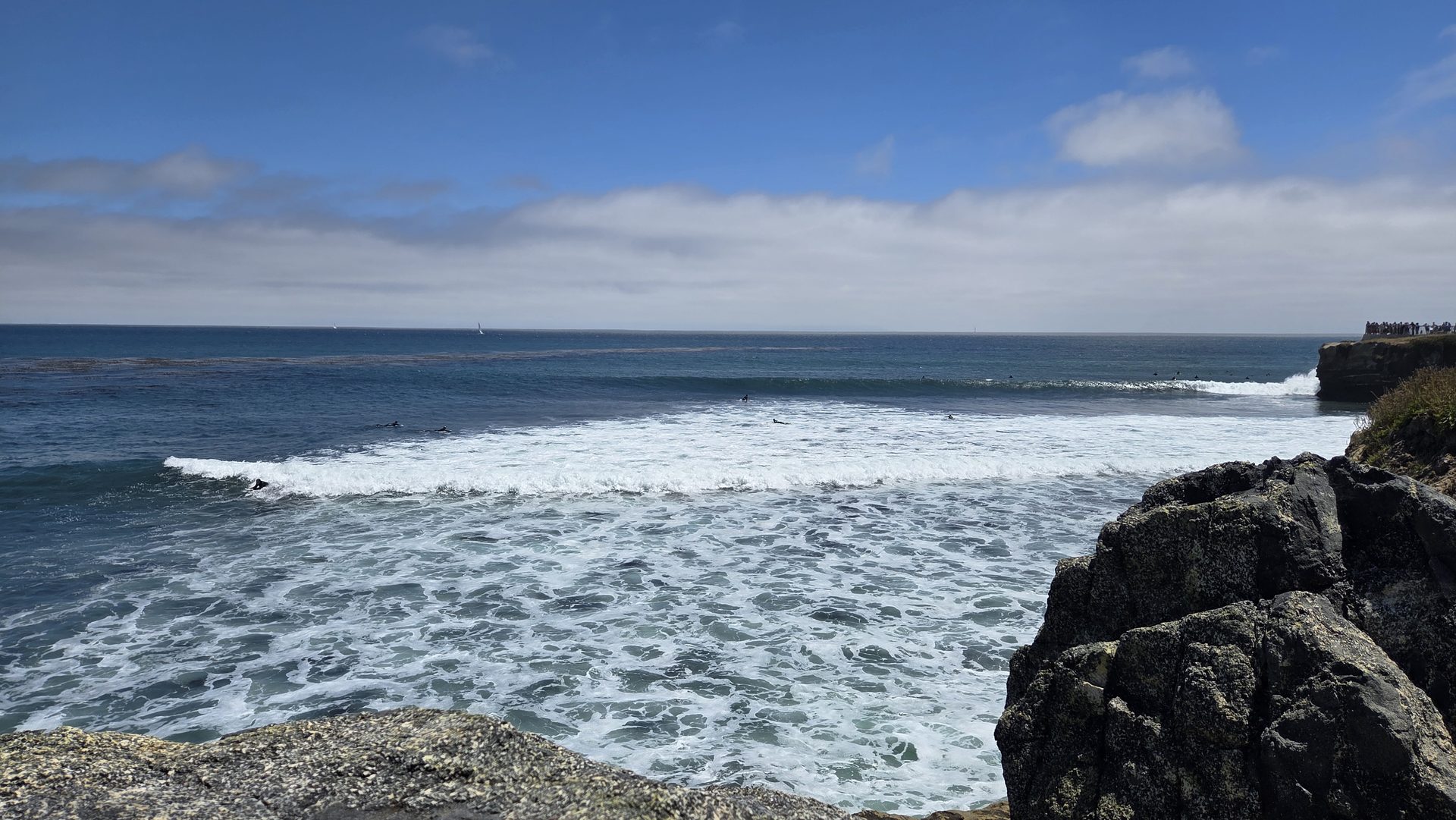
This matters on the coast, where I constantly deal with high-contrast scenes: bright sky above dark cliffs, or sunset glow against shadowed water. RAW gives me room to make the final image match what I saw.
Where JPEG Makes Sense
I don't think JPEG is wrong. It's the right tool in several situations:
- High-volume shooting. Sports, events and burst photography fill buffers and cards fast. JPEG files are smaller, so cameras can keep shooting longer.
- Fast turnaround. If you need to share photos within minutes, for a news-style or event delivery, straight-out-of-camera JPEGs are efficient.
- Limited storage or editing time. If you hate editing and just want good-looking snapshots, modern in-camera processing is impressive.
- Casual family photos. Not every picture needs a post-production workflow.
If you go JPEG, take time to get exposure and white balance right in-camera, because there's less room to fix mistakes afterward.
Get exposure right in the camera
The manual-mode guide walks you through the settings that give you clean, accurate files whether you shoot RAW or JPEG.
Get the manual-mode guide ($27) →The Costs of Shooting RAW
RAW isn't free. A typical RAW file from a 24-megapixel camera runs 25 to 30 MB, while a JPEG of the same scene might be 8 to 10 MB. Over a day of shooting, that adds up to a lot more card and hard drive space. You also need a workflow: importing, culling, editing and exporting.
Practical advice if you're ready to commit:
- Buy two or more fast memory cards so you never run out in the field.
- Back up to at least two places. I keep a working drive and a separate backup drive.
- Learn one editing program well rather than trying many.
- Delete the obvious misses early, so you're not paying to store unusable files.
The Middle Path: RAW plus JPEG
Most cameras offer a setting that records both at once. It's a good transition if you're not sure yet. You get a quick, shareable JPEG and a RAW file for the shots worth editing. The downside is that it takes up even more space, so I treat it as a temporary stage, not a permanent setting.
Why I Shoot RAW
For me it comes down to control. A landscape at dusk or a surf scene in harsh light almost never comes out exactly right straight out of the camera. With RAW, I can recover detail in the highlights, balance color and finish the photo the way I envisioned it. I've saved plenty of otherwise lost frames that way.
My suggestion: shoot RAW for a month, even if you only edit your favorites. Compare a few edited RAW files against their JPEG counterparts. If you can see the difference and enjoy the process, you've found your answer. If you'd rather spend time shooting than editing, there's no shame in JPEG. For ideas on what's possible with a thoughtful edit, browse the gallery.