 Story Mode Guy
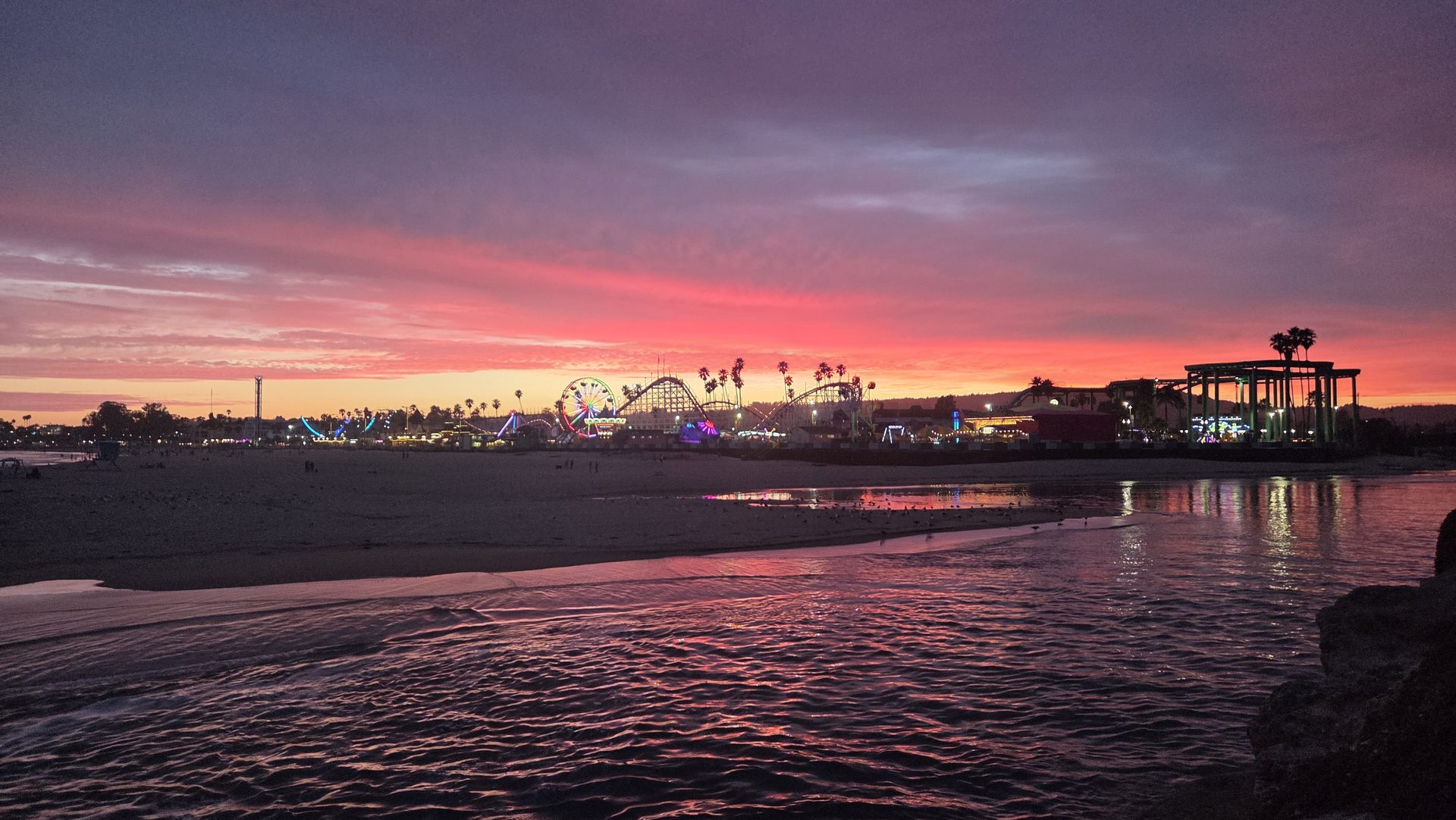
Learning how to film a vlog is mostly about avoiding a few mistakes that make people click away in seconds. Gear isn't one of them. I've watched great vlogs shot on old phones and forgettable ones shot on expensive cinema cameras. What separates them is audio, light, and pacing, and you can fix all three with what you already own. Here's how I'd approach it, working along the Santa Cruz coast where wind, glare, and fog test every setup.
Audio comes first
Viewers forgive soft video but not bad sound. If the audio is tinny, windy, or echoey, they're gone. Fix this before anything else.
- Get the mic close. Six inches from your mouth beats any expensive mic ten feet away. A cheap lavalier clipped to your collar, about a hand-width below the chin, is the best budget upgrade you can make.
- Kill the wind. Use a furry windscreen outdoors. Coastal breezes ruin footage without one. Turn your back to the wind and shoot with it behind you when you can.
- Control the room. Indoors, record in a space with a rug, curtains, and a couch. Bare walls bounce sound.
- Test every time. Record ten seconds, then listen with headphones before you commit.
Light your face
The easiest light is a window. Face it, with the glass in front of you or slightly to one side, so soft daylight fills your face. Never sit with the window behind you unless you want a silhouette. Outdoors, find open shade or shoot in the hour after sunrise or before sunset. Midday sun creates harsh shadows in your eye sockets. If the light is dim, a small LED panel behind the camera and a little above eye level goes a long way.
Frame the shot like a friend, not a security camera
Hold the camera or phone at eye level or just above, never up your nose. If you're holding a phone at arm's length, a small grip or a tripod with a flexible neck helps stop the wobble. Leave a little headroom, and keep your eyes in the upper third of the frame. Look at the lens when you talk, not at the screen. That's what makes it feel like a real conversation.
Settings that keep it clean
- Shoot 1080p or 4K at 24 or 30 fps. Higher frame rates look jittery for talking.
- Lock exposure and focus by tapping and holding, so the picture doesn't pump when you move.
- Turn on stabilization, but if you're walking, use a gimbal or hold with both hands and bend your knees.
- Clean the lens. A fingerprint smear makes everything look foggy.
Shoot better video with just your phone
A hands-on guide to phone video settings, stabilization, audio, and editing so your clips look polished without extra gear.
Get the Phone Video guide ($29) →Pacing is what keeps people watching
A watchable vlog moves. Open with the most interesting thing, not a long hello. Tell people in one sentence what they'll get, then show it. Cut out every pause, "um," and false start. A good rule is to change something on screen every few seconds: a new angle, a cutaway, a zoom, or a line of text. If you stay on the same static shot for a minute, trim it.
Mix your shots. Film yourself talking, then grab cutaways of what you're discussing, such as the trail, the food, the waves. These cover your edits and keep the eye engaged.
Plan a simple structure
You don't need a script, but you do need a shape. I use three beats: a hook, the middle where something happens, and a payoff or takeaway. Jot three bullet points on your phone before you roll. Talk in short sentences, and say them like you'd tell a friend over coffee. If you flub a line, pause, breathe, and redo it from the top of the sentence. It's easy to cut.
Edit for a tighter result
Most beginners publish raw footage. Instead, remove dead air, add a quiet music bed at low volume under the voice, and use captions, since many people watch without sound. Export in the platform's recommended resolution and keep the first ten seconds punchy.
Don't wait for better gear, because the best vlog is the one you actually finish. Film something small this week, learn from it, and repeat. If you want a sense of how I frame and light a scene, take a look at my gallery for inspiration.