 Story Mode Guy
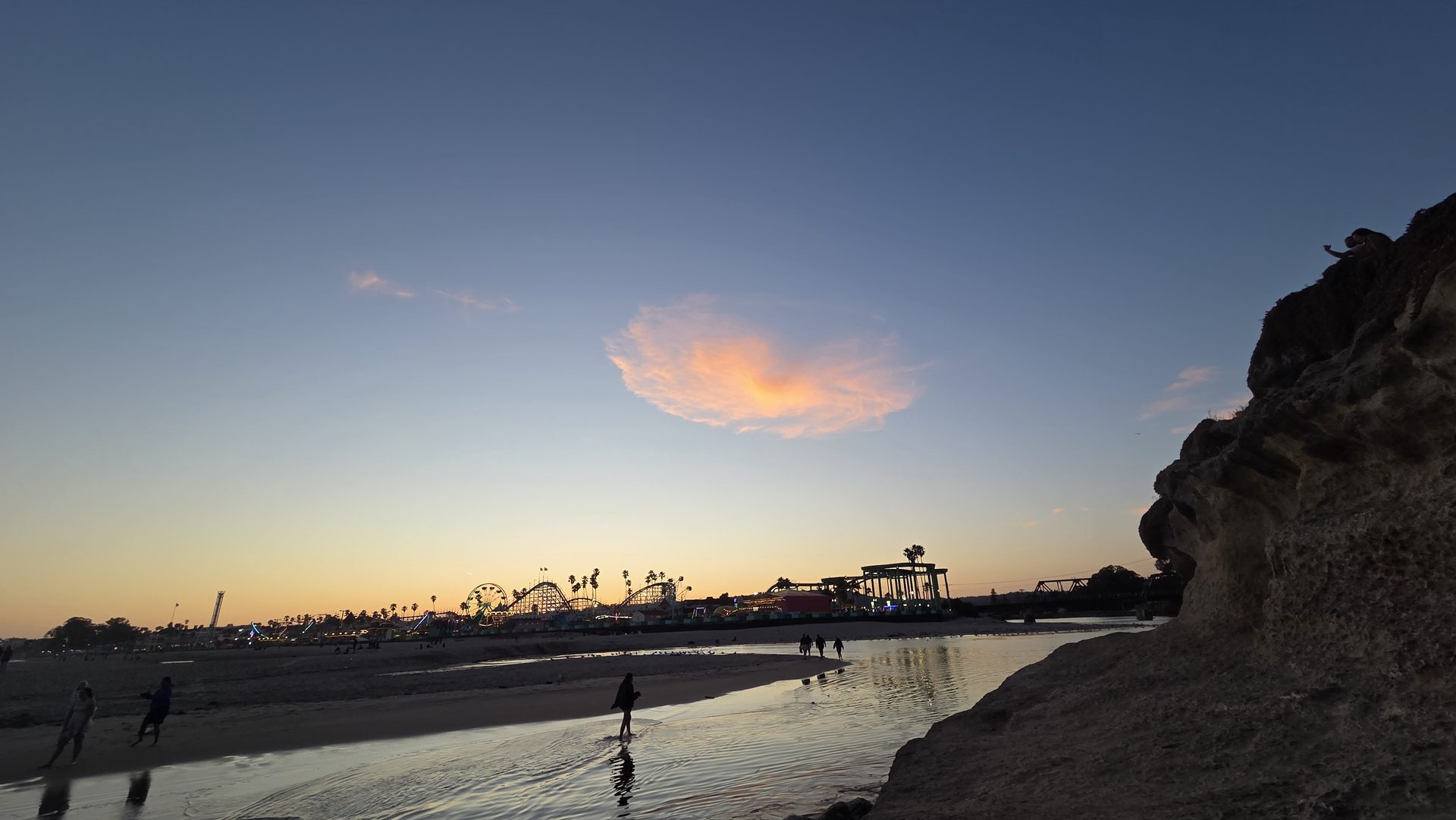
If you've wondered what B-roll is and why professional videos feel so much richer than your own, here's the short answer: B-roll is all the supporting footage that covers your main shot, and good B-roll ideas are what make a video feel finished. A talking head for three minutes is boring. Cut away to hands working, a place, a detail, and suddenly it moves. I shoot a lot of video around Santa Cruz, and these are the B-roll shots I always get.
What B-roll actually does
Your A-roll is the main thing: the interview, the speech, the vlog to camera. B-roll covers it. It hides edits, adds context, shows what the speaker is describing, and gives the viewer's eyes something new every few seconds. It also saves you when the audio is good but the picture isn't.
The shots I always grab
- The establishing wide: the place, so people know where they are. A wide of the harbor, the street, or the storefront.
- Hands doing the thing: pouring coffee, tying a knot, typing, sanding wood. Hands are the best B-roll there is because they show action and skill.
- Close-up details: texture, tools, labels, steam off a cup, water on a surfboard.
- The reaction or listening shot: a person nodding or looking out a window. It lets you trim dialogue invisibly.
- Walking and movement: feet on a path, a hand on a railing, someone approaching or leaving.
- Point of view: what the subject sees, such as the view down the trail or the pier ahead.
- Environment and atmosphere: fog, light through trees, waves, signs, traffic. Great for transitions.
Shoot in a sequence: wide, medium, close
For any single action, capture it at three sizes. A wide shows the setting, a medium shows the person, and a close-up shows the detail. When you cut between sizes, the edit feels natural. If you only shoot one size, cuts look jumpy, and everything feels the same.
Make each clip long enough
Beginners shoot two seconds and stop. Record at least 8 to 10 seconds of every B-roll shot, even if you'll use three. You need room for slow moves, trimming, and slow motion. Hold still at the start and end of any camera move so you have clean in and out points.
Camera settings that keep clips matching
- Frame rate: match your A-roll, typically 24 or 30 fps. Shoot some at 60 fps if you want slow motion at 50 percent.
- Shutter speed: double your frame rate, so 1/48 or 1/60, for natural motion blur. Use an ND filter outdoors to keep it there.
- White balance: set it manually so shots don't shift color from clip to clip.
- Focus: lock it. Autofocus pulling mid-shot ruins good footage.
Film shots that actually look cinematic
A practical guide to camera movement, lenses, light, and shot planning so your footage cuts together like a real production.
Get the Cinematic guide ($29) →Add movement carefully
A static shot is fine, but a slight move adds life. Try a slow push-in, a pan following a subject, or a slider-style move by walking sideways with a gimbal or by bracing your elbows on a wall. Keep moves slow and motivated. If a move doesn't reveal something, leave the camera still. Handheld shake looks amateur when it's accidental and gritty when it's deliberate, so decide which you want.
Plan it before you roll
Before any shoot, I write a ten-line shot list: the wide, three hands shots, two details, one walking shot, one atmosphere shot. It takes five minutes and keeps me from coming home with forty clips of the same thing. Then, while the subject is busy, I ask for a few extra minutes to capture the quiet stuff. People relax once the interview ends and that's when the best moments show up.
Cut it together
In the edit, let the B-roll cover the A-roll when a line is describing something, and let the speaker's face return for emphasis. Cut on action, like a hand reaching, to hide the transition. Keep clips between 2 and 5 seconds for a brisk pace, and let a beautiful shot linger a little longer.
B-roll isn't extra work, it's the part that makes people stay. Start collecting it on every shoot, and your videos will feel like they were made by someone who cares, which is the goal. You can see the kind of footage I shoot at the Cinematic guide page.